appliances
コンロ
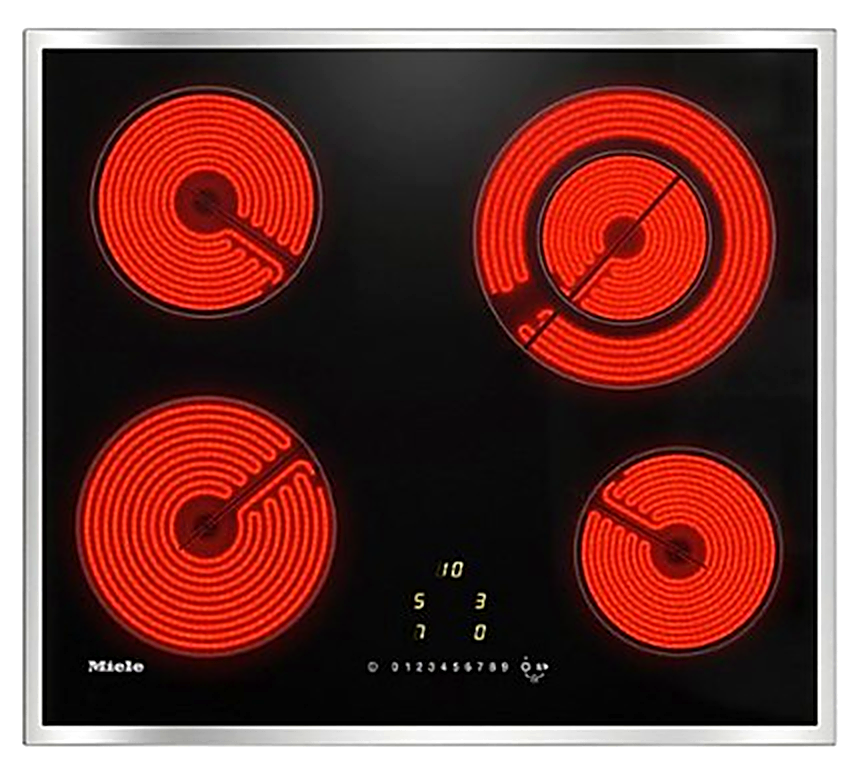
Induction Stovetop - Miele
Operating the Stovetop
- Turn On: Press the main Power button (I/O).
- Select Burner: Tap the sensor button corresponding to the cooking zone you want to use (indicated by the small ring diagrams).
- Adjust Heat: Press the + or – buttons to choose your heat level (typically from 1 for simmer to 9 for boil).
- Turn Off One Burner: Tap the burner's sensor button and press – until the display reads 0.
- Turn Off Everything: Press the main Power button (I/O) to shut down all zones instantly.
How to unlock/lock the safety mechanism (Child Lock Precaution)
- The cooktop is equipped with a safety lock to prevent accidental use. If the cooktop does not turn on and a light appears next to the Key/Lock icon, it is locked.
- To Unlock: Press and hold the Key/Lock sensor button for 2 to 3 seconds until the light turns off and a brief tone sound.
- To Lock: With the cooktop turned off, press and hold the Key/Lock sensor button for 2 to 3 seconds until the indicator light turns on.
WARNING!
Hot Surface Warning -
After cooking, an H will flash
next to the burner. The surface
is still extremely hot.
Do not touch the glass until
This warning light turns off.