
appliances
Speaker
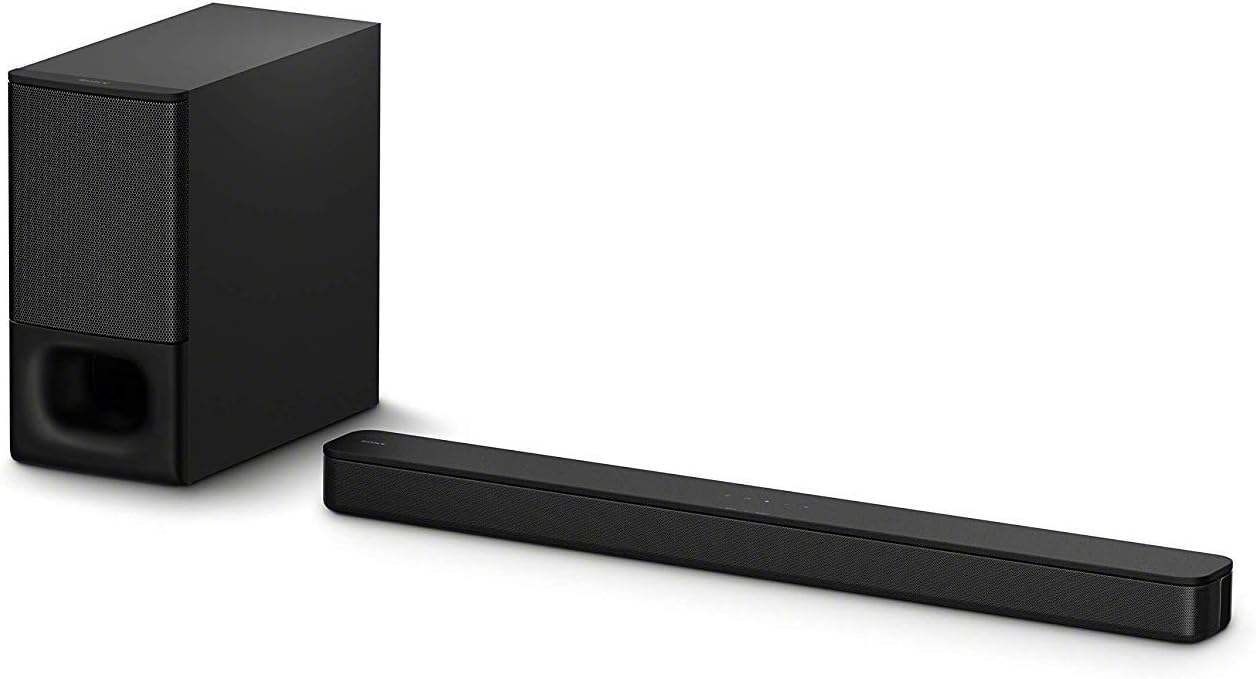
Sony HT-S350
To Play Music from Your Phone
1. Press POWER on the remote to turn the speaker on.
2. Press BLUETOOTH on the remote, then on your phone go to Settings → Bluetooth and select "HT-S350."
3. Play music, a podcast, or any audio from your phone.
4. Adjust volume from the remote or your phone.
5. To hear the TV through the speaker, press the TV button on the remote — sound switches over automatically.
6. Sound modes: CINEMA (movies/TV), MUSIC, VOICE (clearer dialogue), NIGHT (quieter, for late evening).
Note: If the speaker doesn't appear on your phone, press BLUETOOTH again, confirm Bluetooth is on, and try selecting it once more.